Introducing Demo/Sandbox Access for Agents
We’ve added a new Demo/Sandbox feature to BOSS, giving agents a safe place to explore and test without affecting live business data.
What is the Demo/Sandbox?
The Demo/Sandbox is a separate environment designed specifically for experimentation and learning.
Agents can use it to explore BOSS features, test workflows, and try different configurations without making changes to their production account or live data.
This makes the sandbox especially useful when you want to familiarize yourself with a feature or test a process before using it with real clients.
How to Access the Demo
Note: The Demo/Sandbox is available to agents only.
To access it:
- Log in to BOSS.
- Go to Agent Settings → Developer Settings.
- Find the Demo/Sandbox section.
- Click Access Demo to enter the sandbox environment.
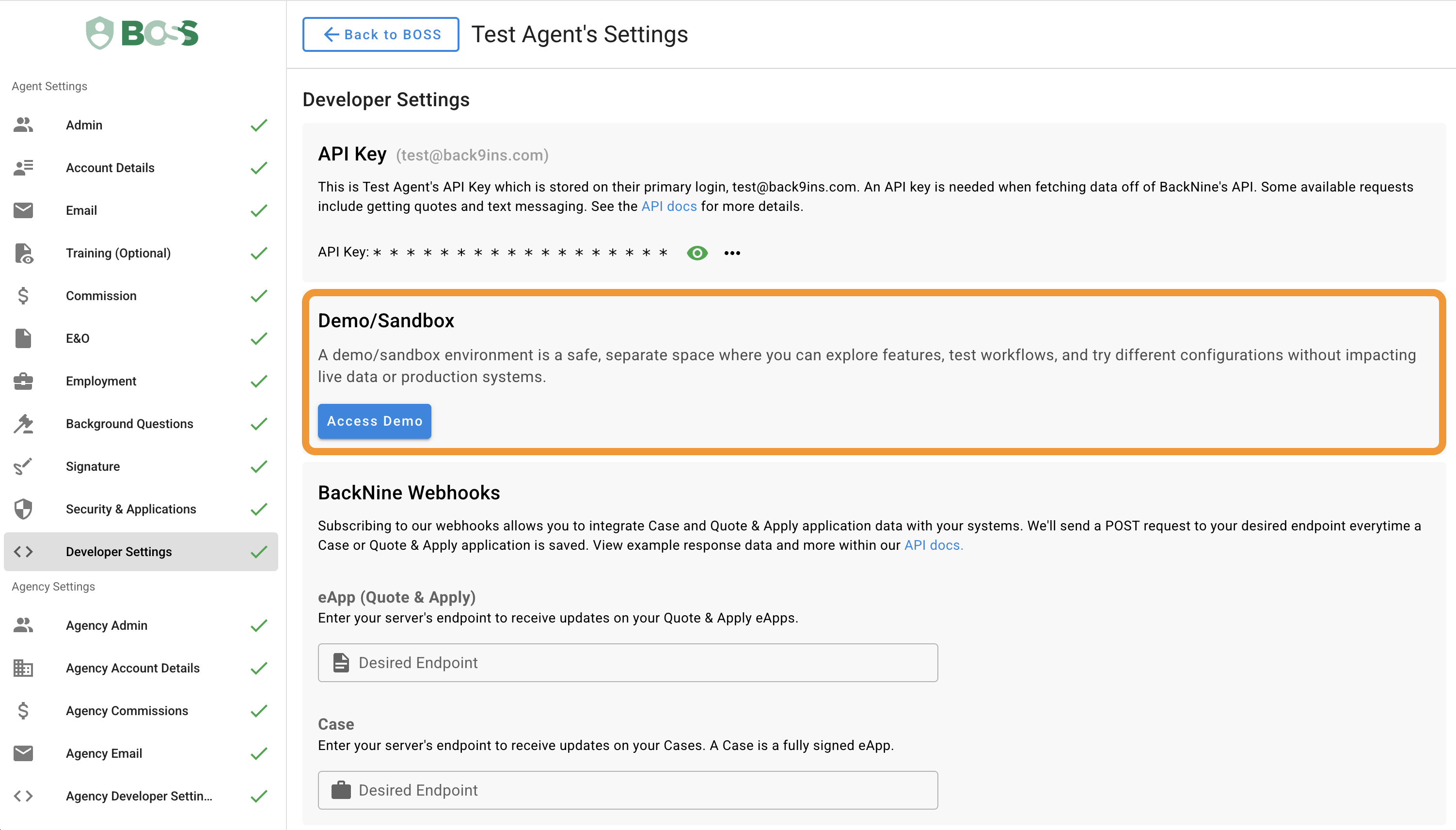
The Demo/Sandbox option is located under Agent Settings → Developer Settings.
What Can I Use It For?
You can use the Demo/Sandbox to:
- Explore BOSS features in a safe environment
- Practice workflows before using them with real clients
- Test different configurations
- Become familiar with new or existing functionality
- Experiment without affecting production data
Because the sandbox is separate from production, activity there is intended for testing and demonstration purposes rather than real client business.
Why We Added It
Agents sometimes need a way to learn or test a workflow without worrying about affecting real data.
The Demo/Sandbox provides that separation, making it easier to experiment confidently and understand how features work before using them in production.
Get Started
Ready to explore?
Go to Agent Settings → Developer Settings, find the Demo/Sandbox section, and click Access Demo to get started.