Your website, your Google profile, and your reviews decide whether someone searching for an agent finds you — and whether they can do anything about it when they do.
▶ Watch: BackNine in 5: Add Quote & Apply to Your Website (3 min)
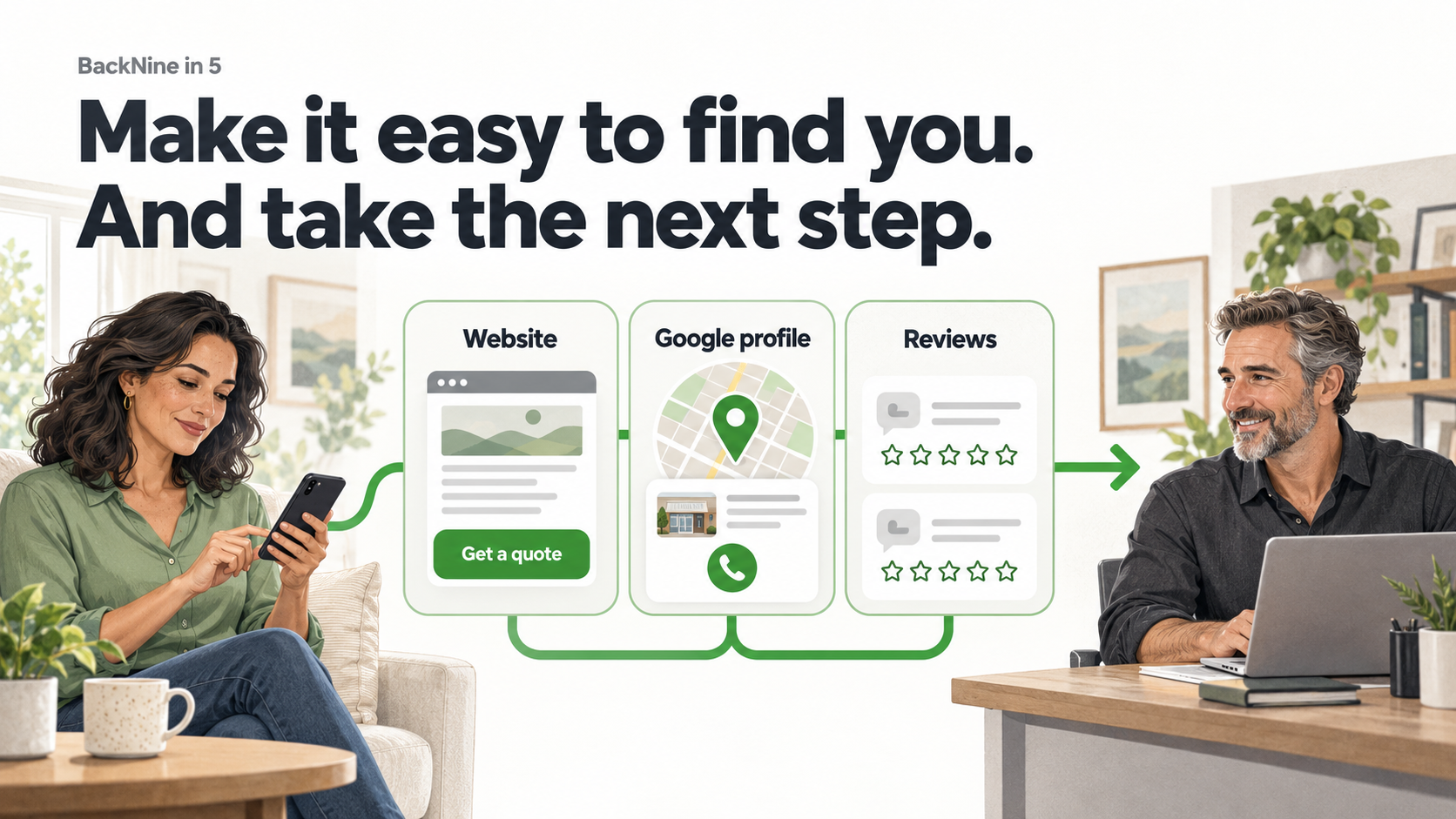
Referrals and renewals still write most of the business in a local agency. But the person searching “life insurance near me” at ten o’clock at night is not calling your office. They are picking whoever shows up, looks credible, and gives them something to do in the next thirty seconds.
Three things decide that, and none of them cost money: your website, your Google Business Profile, and your reviews.
1. Give your website something to do
Most agency websites are a brochure with a contact form. The form asks a stranger to hand over their phone number and wait for a callback before they get anything in return. That is a bad trade, and most visitors don’t take it.
Fix three things:
-
Say who you help in the first line. “Protecting families and small businesses in Los Angeles County since 2014” beats “Welcome to our website.”
-
Put the phone number in the header, not the footer.
-
Replace “Contact Us” with something that gives the visitor an answer. A quote is an answer. A callback promise is not.
That last one is where BackNine fits. Quote & Apply is a widget you embed on your own site. The visitor runs their own quote across 90+ carriers, sees real pricing, and can move straight into a digital application — under your branding, with you as the agent of record, at ten o’clock at night when nobody is in the office.
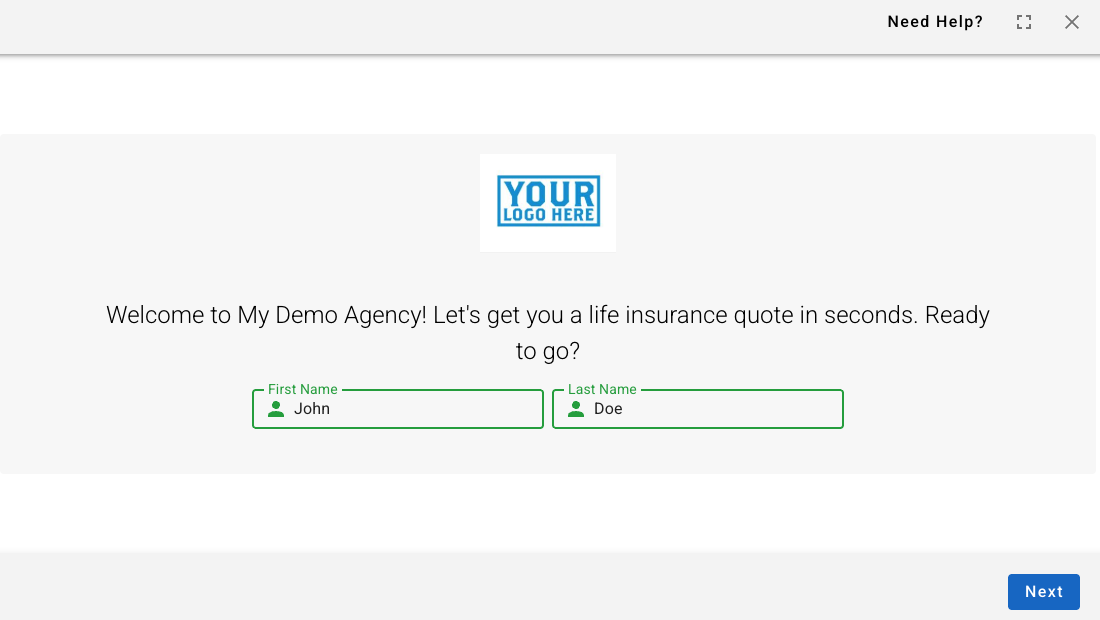
Setup takes about five minutes: How to Add Quote & Apply to your Website. No website? You still get a branded Quote & Apply link you can drop in an email signature, a text, or a Google profile.
2. Claim and finish your Google Business Profile
Google My Business is now Google Business Profile, and you manage it inside Google Search and Maps. Sign in with the account that owns the listing and search your agency name.
Completeness is the part you control, and it is the part most agents skip:
-
Verify first. An unverified profile does not rank.
-
Set the primary category to Insurance agency, then add secondary categories for the lines you actually write — life, auto, home, commercial.
-
Match your phone number, hours, and website URL to your site exactly. Mismatches hurt.
-
Add service areas if you write outside your city.
-
Upload real photos — office, signage, your team. Stock photos read as stock photos.
-
Post weekly. Reuse whatever you already put on social.
One practical tip: if your category offers an appointment or booking link field, point it at your branded Quote & Apply link. Someone who finds you on Maps can start a quote without ever reaching your website.
What a complete profile will not do is buy you first-page placement. Google weighs relevance, distance, and prominence, and distance is not negotiable. Completeness is.
3. Make the review ask part of closing the file
People read reviews before they call. Asking for them should be a step in your process, not something you remember to do twice a year.
-
Ask at the moment of value — policy issued, ID cards delivered, claim resolved.
-
Send the link, not instructions. Your review link is in your profile under Read reviews → Get more reviews, and Google will generate a QR code from it.
-
Respond to every review, and never confirm that someone is a client or reference their coverage in a public reply. That is a privacy problem before it is a marketing one.
-
Ask everyone, not only the happy ones. Screening for positive reviews violates Google’s policies and will get a profile flagged.
One more that is specific to our business: never offer anything of value in exchange for a review. No gift cards, no drawings, no premium discounts. Google prohibits it, and in insurance it can also be rebating under your state’s code. The ask has to be free.
Keep the ask short:
Thanks again for trusting us with this. If you have a minute, an honest Google review helps other families find us. [link]
Where this turns into actual business
The sequence is simple. Someone buys a house, searches for an agent, finds your profile, reads your reviews, lands on your site, and runs a quote. Three of those five steps are things you set up once.
The bigger pool is already in your book. Every new home, new baby, new business, and new loan in your P&C file is a life conversation you are already entitled to have. The same Quote & Apply link that sits on your website works in a renewal email, a text, or a signature block — which means the work you do to get found online pays twice.
After someone applies The case appears in BOSS with real-time status. If the carrier needs something, your case manager chases it. You do not need to be appointed with a carrier to quote or submit — appointment happens in the background as the case moves.
Start with one this week. Embed Quote & Apply, finish your Google profile, or write the review ask into your issue process. Pick the one you can finish in an hour. Not sure where to start? Click Schedule a Meeting in BOSS and we will set it up with you.
Not with BackNine yet?
Quote, apply, and track the case without building a second workflow. Licensed agents and advisors get Quote & Apply, digital applications, BOSS for case and commission tracking, and BackNine case management behind every submission. No fees. No production minimums.